




How to Transfer Data from Old Phone to New Phone in Bangladesh
Buying a new smartphone is a common upgrade for many users in Bangladesh, whether moving to a better camera, faster performance, or larger storage. However, one of the biggest concerns during this process is transferring important data from the old phone to the new one. Contacts, photos, videos, apps, and messages are all part of daily life, and losing them can be frustrating. Fortunately, modern smartphones offer several simple ways to transfer data safely and efficiently.
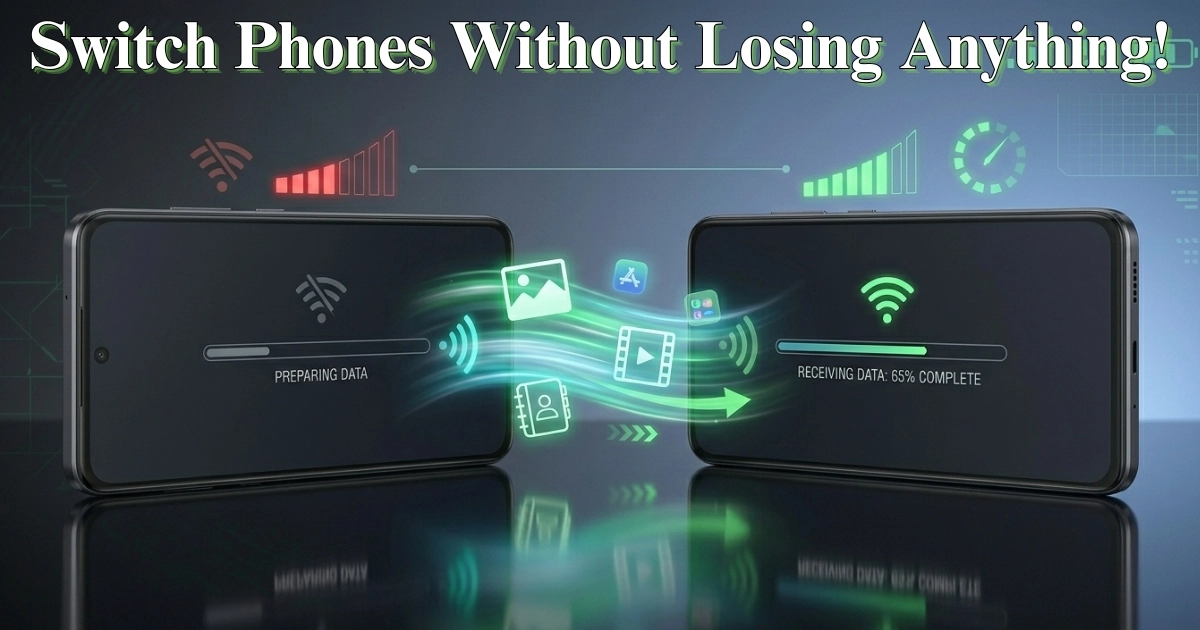
One of the easiest methods is using built-in data transfer tools available on most Android devices. When you turn on a new phone for the first time, it usually guides you through a setup process where you can copy data directly from your old phone. This can be done using a cable or wirelessly. The process is straightforward and allows you to transfer contacts, call logs, messages, apps, and even settings.
Wireless transfer is especially convenient for users who do not have a compatible cable. By connecting both devices to the same Wi-Fi network, you can send data from one phone to another without using mobile data. This is helpful in Bangladesh, where users may prefer to avoid large data usage. The transfer speed depends on the Wi-Fi connection, but it is generally fast enough for most needs.
Another reliable option is using cloud backup. Before switching phones, you can back up your data on your old device. This includes contacts, photos, app data, and settings. Once you sign in to your account on the new phone, you can restore this backup easily. This method ensures that your data is محفوظ even if your old phone is no longer available.
Contacts are usually the most important data for many users. Syncing contacts with your account ensures they are automatically available on your new device. This removes the need to manually copy numbers and reduces the risk of losing important information.
Photos and videos often take up the largest portion of storage. Transferring them can be done through wireless sharing, cloud backup, or even manually using a computer. For users with limited internet access, transferring files using a USB cable and a computer can be a practical solution.
Apps can also be restored during the setup process. While most apps can be downloaded again from the app store, restoring them from backup saves time and keeps your preferences intact. However, some apps may require you to log in again for security reasons.
For messaging apps, many offer built-in backup and restore options. Enabling backup on your old phone and restoring it on your new phone ensures that your chat history remains intact. This is particularly useful for users who rely on messaging apps for communication or business purposes.
Another method commonly used in Bangladesh is file-sharing apps or built-in sharing features. These allow users to send photos, videos, documents, and other files directly between devices without internet usage. This is a fast and cost-effective option, especially for large files.
It is also important to check storage space on your new phone before transferring data. Ensuring there is enough space prevents interruptions during the transfer process. If necessary, you can choose to transfer only important files and leave behind unnecessary data.
Security should also be considered during the transfer process. Always ensure that both devices are secure and that you are using trusted methods. Avoid sharing sensitive data over unsecured connections or unknown apps.
After completing the transfer, it is a good idea to review your new phone and make sure everything has been copied correctly. Check your contacts, photos, apps, and important files to confirm that nothing is missing. Once you are satisfied, you can safely reset your old phone if you plan to sell or give it away.
In Bangladesh, where many users upgrade their smartphones every few years, knowing how to transfer data efficiently can save time and prevent data loss. Whether you are a student, professional, or casual user, these methods make the transition smooth and stress-free.
In conclusion, transferring data from an old phone to a new one is no longer a complicated task. With built-in tools, wireless options, and backup features, users can move their data بسهولة and securely. By following these simple steps, you can enjoy your new smartphone without worrying about losing important information.