


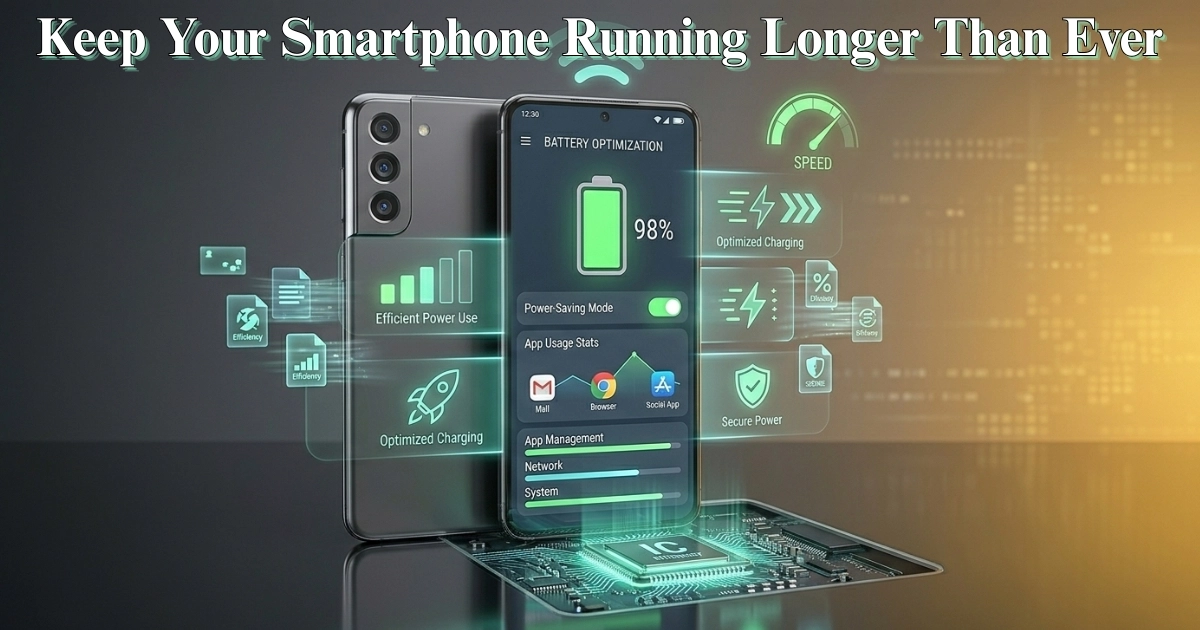


Best Settings to Improve Smartphone Battery Life in Bangladesh
Smartphones have become essential in daily life across Bangladesh, whether for online classes, business communication, social media, or entertainment. However, one common issue that affects almost every user is battery drain. Running out of charge at an important moment can be frustrating, especially when access to charging is limited. The good news is that by adjusting a few key settings, you can significantly improve your smartphone’s battery life without compromising your experience.
One of the biggest factors affecting battery performance is screen brightness. Many users keep their brightness level too high, which consumes a large amount of power. Reducing brightness manually or enabling adaptive brightness can make a noticeable difference. Since Bangladesh experiences strong sunlight during the day, users often increase brightness for visibility, but lowering it indoors can help save battery.
Another effective setting is turning off unnecessary connectivity features. Wi-Fi, Bluetooth, GPS, and mobile data constantly search for connections, which drains the battery over time. Keeping these features turned off when not in use can extend battery life significantly. For example, turning off GPS when you are not using maps or ride-sharing apps can save power throughout the day.
Background app activity is another major cause of battery drain. Many apps continue to run in the background, syncing data and sending notifications. Limiting background activity for less important apps can reduce battery consumption. Most Android phones allow users to restrict background usage through battery or app settings. This is particularly useful for users who install multiple social media or shopping apps.
Battery Saver Mode is a built-in feature that many users ignore. When enabled, it reduces background activity, limits performance, and adjusts visual effects to conserve energy. This feature is especially useful when your battery is running low and you need your phone to last longer during travel or power outages.
Display settings also play an important role. Reducing screen timeout duration ensures that the display turns off quickly when not in use. Many users set long screen timeout periods, which keeps the screen active unnecessarily and wastes battery. Setting it to 15 or 30 seconds can make a noticeable improvement.
Another useful adjustment is switching to dark mode. On smartphones with OLED or AMOLED displays, dark mode consumes less power because black pixels use less energy. Many popular apps support dark mode, making it a practical way to save battery while also reducing eye strain.
Notifications can also affect battery life. Every notification lights up the screen and may trigger background activity. Disabling notifications for non-essential apps can help reduce battery usage. This is especially helpful for users who receive frequent alerts from multiple apps throughout the day.
App updates and system updates should not be ignored either. Developers often release updates that improve battery efficiency and fix bugs that may cause excessive power usage. Installing updates when connected to Wi-Fi ensures your phone runs optimally without using mobile data.
Another important tip is managing location services. Instead of keeping location access always on, you can set it to work only while using specific apps. This prevents apps from continuously tracking your location in the background, which can drain battery quickly.
For users who rely heavily on mobile data, switching between network modes can help. Using 4G or 5G continuously can consume more power, especially in areas with weak signals. In such cases, switching to a more stable network option can reduce battery drain. This is relevant in some parts of Bangladesh where network coverage may vary.
Charging habits also play a role in maintaining battery health. Avoid letting your battery drop to 0% frequently, and try not to keep it at 100% for long periods. Keeping the charge between moderate levels can help extend long-term battery performance.
In Bangladesh, where many users depend on their smartphones throughout the day and may not always have immediate access to charging, these small adjustments can make a big difference. Whether you are a student attending online classes or a professional managing work on the go, better battery management means fewer interruptions.
In conclusion, improving smartphone battery life does not require advanced technical knowledge or expensive solutions. By adjusting simple settings like brightness, connectivity, background apps, and display options, you can extend your battery life significantly. These practical steps are easy to follow and can help you stay connected longer, making your smartphone more reliable in everyday use.---