

Best Gaming Settings for PUBG Mobile on Android in Bangladesh
Profile By Admin
Other
Eye

1

Calendar

18 March 2026, 11 : 59 : 31 AM

Best Gaming Settings for PUBG Mobile on Android in Bangladesh

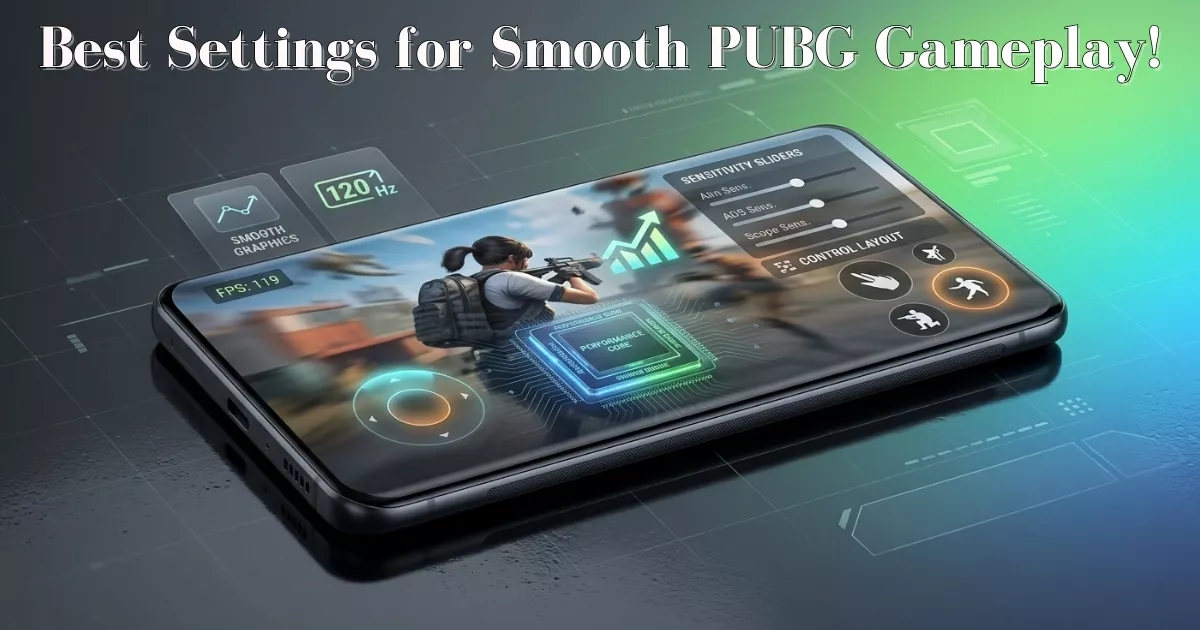
Mobile gaming has become extremely popular in Bangladesh, and PUBG Mobile remains one of the most played games among students and young users. However, not every player uses a high-end smartphone. Many rely on budget or mid-range Android devices, which can struggle to deliver smooth performance if not properly optimized. The good news is that with the right settings, you can significantly improve your gaming experience without upgrading your device. One of the most important Modification in PUBG Mobile is the graphics setting. While high graphics may look visually appealing, they require more processing power and can cause lag on most devices. For smoother gameplay, it is better to set graphics to “Smooth” or “Balanced.” This reduces the load on your phone’s GPU and ensures more stable performance during matches. Frame rate is even more important than graphics quality. Setting the frame rate to “High” or “Ultra” (if supported) makes gameplay smoother and more responsive. A higher frame rate allows you to react faster, which is crucial in competitive situations. Even if you lower the graphics, keeping a higher frame rate can improve overall gameplay. Another useful setting is style or color profile. Choosing “Colorful” or “Classic” does not affect performance significantly, but it can improve visibility. Clear visuals help players spot enemies more easily, which is an advantage in battle. Anti-aliasing is a feature that smooths edges in the game, but it also consumes additional resources. Turning it off can reduce lag and improve performance, especially on lower-end devices commonly used in Bangladesh. Shadows are another setting that can impact performance. Disabling shadows reduces GPU load and can make gameplay smoother. While shadows add realism, they are not necessary for competitive play. Beyond in-game settings, optimizing your phone is equally important. Closing background apps before launching the game frees up RAM and ensures more resources are available for PUBG Mobile. Many users keep multiple apps running, which can slow down performance during gameplay. Using a stable internet Link is also crucial. In Bangladesh, mobile data speeds can vary depending on location and network conditions. Playing on a strong Wi-Fi connection or a stable 4G network reduces lag and prevents sudden disconnections during matches. Game mode or performance mode, available on many Android devices, can boost performance by allocating more resources to gaming. Enabling this feature can reduce interruptions and improve frame stability. Another practical tip is managing your phone’s temperature. Extended gaming sessions can cause overheating, which leads to performance drops. Playing in a cool environment, removing the phone case, or taking short breaks can help maintain stable performance. Touch sensitivity and control customization are also important for better gameplay. Adjusting sensitivity settings allows smoother aiming and faster reactions. Every player has a different preference, so experimenting with these settings can help you find what works best. Storage space also plays a role in performance. If your phone’s storage is nearly full, it may struggle to run games smoothly. Keeping some free space ensures better system performance and faster loading times. Regular updates are essential as well. Game developers often release updates that upgrade performance and fix bugs. Keeping PUBG Mobile updated ensures you get the latest optimizations and improvements. Battery level can also affect performance. When the battery is low, some phones reduce performance to save power. Playing with a sufficient battery level ensures consistent gameplay. In Bangladesh, where many gamers use affordable smartphones, balancing performance and visual quality is key. Instead of aiming for the highest graphics, focusing on smoother gameplay provides a better overall experience. In conclusion, achieving the best PUBG Mobile performance on Android is all about smart adjustments. Lowering graphics, increasing frame rate, optimizing your phone, and maintaining a stable internet connection can make a significant difference. These simple yet effective settings allow you to enjoy smoother gameplay, react faster, and compete more effectively, regardless of your device’s price range.